
Picture this:
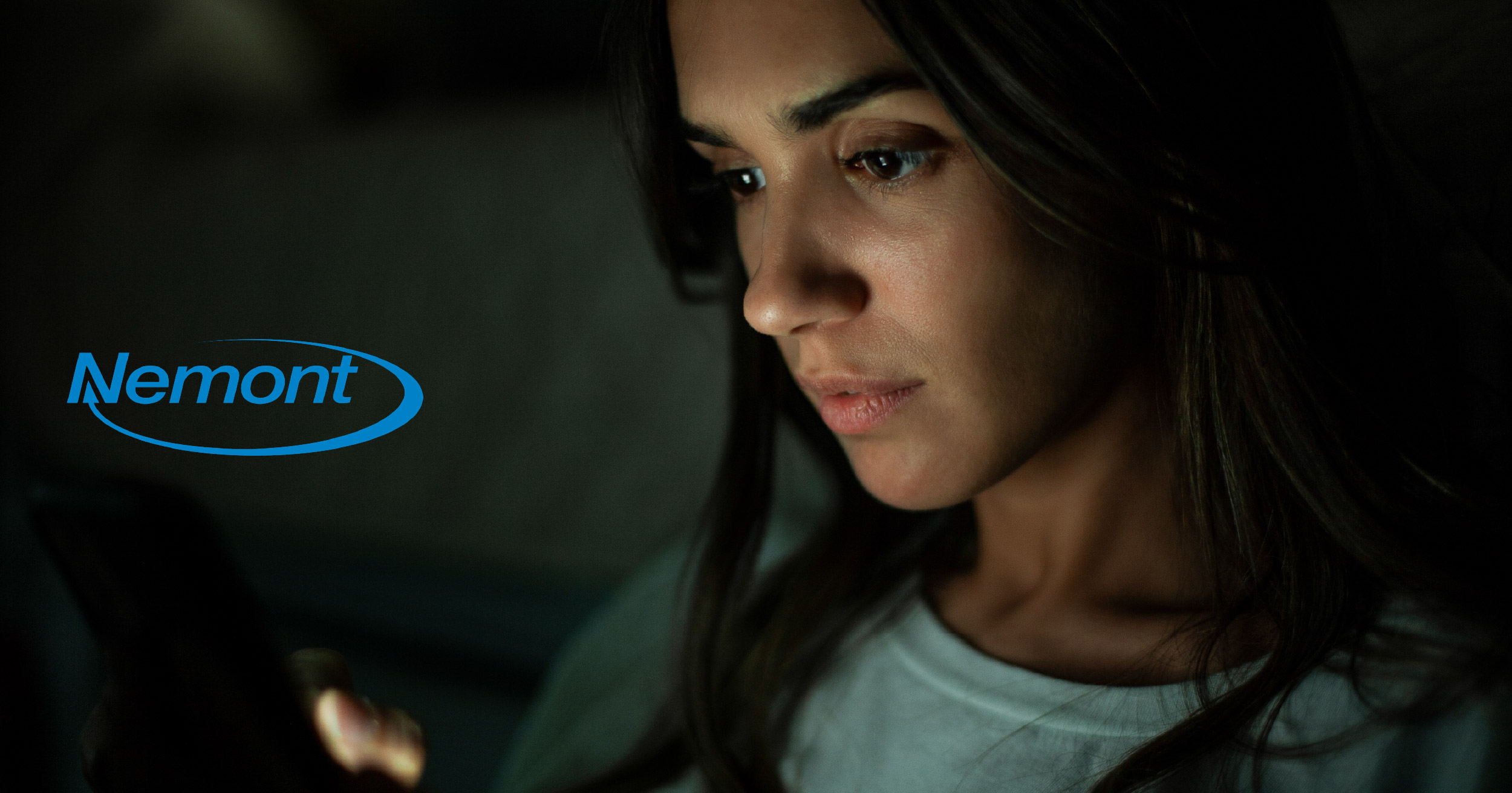
It’s the dead of night, and a stranger’s cough suddenly shatters the silence. The catch? You’re home alone, and the sound is coming directly from your nightstand. This eerie phenomenon is the latest security scare circulating on TikTok, leaving iPhone users wondering if their devices are listening—or worse.
If you’re like millions of Americans who need white noise to fall asleep at night, take notice that hackers are buying YouTube ads to target you. The sleep hygiene demographic is big. While YouTube doesn’t disclose official numbers for people who listen to white noise for sleep, data from third-party surveys, channel analytics, and view counts estimate the sleep hygiene demographic at around tens of millions.
You may want to rethink using your iPhone for white noise at night after hearing this story.
4 a.m. Tapping
A TikTok user, v22Salazar, who usually falls asleep to YouTube, woke up to a man staring at her through her iPhone. She was jolted awake by the sound of a microphone on her device around 4 a.m.
The man the young woman saw on her screen was sitting in a computer chair, watching her. She could tell that he was using dual monitors. When she noticed him looking back and forth between the two monitors, she knew that this was really happening.
When she touched the screen on her iPhone, the screen lit up. However, she noticed that the man on her iPhone could cloak himself by dimming the screen. He appeared ‘pixelated,’ but she could still see him.
The Passcode Trap
Remembering a warning from another woman who faced the same nightmare, v22Salazar realized the man’s goal. He was making faint tapping sounds, a calculated move to trick her into a sleepy, reflexive routine: entering her passcode.
She played along, pretending to go back to sleep so he would reveal himself again. When he did, the reality set in—he had total control of her device.
Her only solace was that she had never stored her banking information on the device, leaving the hacker unable to access her wallet even if she had entered her passcode.
Understanding the Entry Point
Awareness is your first line of defense. Attacks often involve manipulating the target. For example, you might see a banner promising “Ad-Free Black Screen Rain Sounds.” That sounds perfect for someone who needs help falling asleep. Clicking the banner ad triggers a prompt that asks you to ‘allow’ a browser notification or download a separate app to continue. Treat this request as a signal to close the tab; staying within the official YouTube app is the simplest way to keep your device secure.
By recognizing that legitimate YouTube content will never ask you to install anything, you can stop a security breach before it starts. Being mindful of the links in video descriptions is another powerful habit. However, even the most cautious users benefit from a safety net.
The “Multi-Layer” Approach
So, what else can you do to secure your device? While your habits keep you alert, technology provides the muscle.
The first step is keeping your iPhone updated to the latest iOS. Installing the latest software is a critical defense because it patches the very vulnerabilities hackers try to exploit. Currently, Apple is no longer offering security-only updates for those staying on older versions, making the jump to the latest iOS release essential.
However, software updates should not be your only line of defense. Strong antivirus software is critical. Antivirus software adds another layer of protection by scanning malicious links, blocking risky websites, and alerting you to suspicious activity before it’s too late.
Nemont offers protection for your home network, preinstalled on all our routers. Protect all the devices connected to your network and prevent cybercriminals from accessing your sensitive information.
Sign up for Advanced WiFi Plus from Nemont.

iPhone and iPad Models At the Highest Risk
Apple says the following devices are affected if they are not updated:
- iPhone 11 and later
- iPad Pro 12.9-inch 3rd generation and later
- iPad Pro 11-inch 1st generation and later
- iPad Air 3rd generation and later
- iPad 8th generation and later
- iPad mini 5th generation and later
If your device appears on this list and you have not updated it, it is vulnerable.
Steps to Update Your iPhone or iPad now
Updating is quick and usually painless. If automatic updates are enabled, the fix may already be installed.
If not, follow these steps:
- Open the Settings app on iPhone
- Tap General
- Select Software Update
- Download and install iOS 26.2 or iPadOS 26.2 or later
Make sure your device is connected to Wi-Fi and has enough battery life or is plugged in.